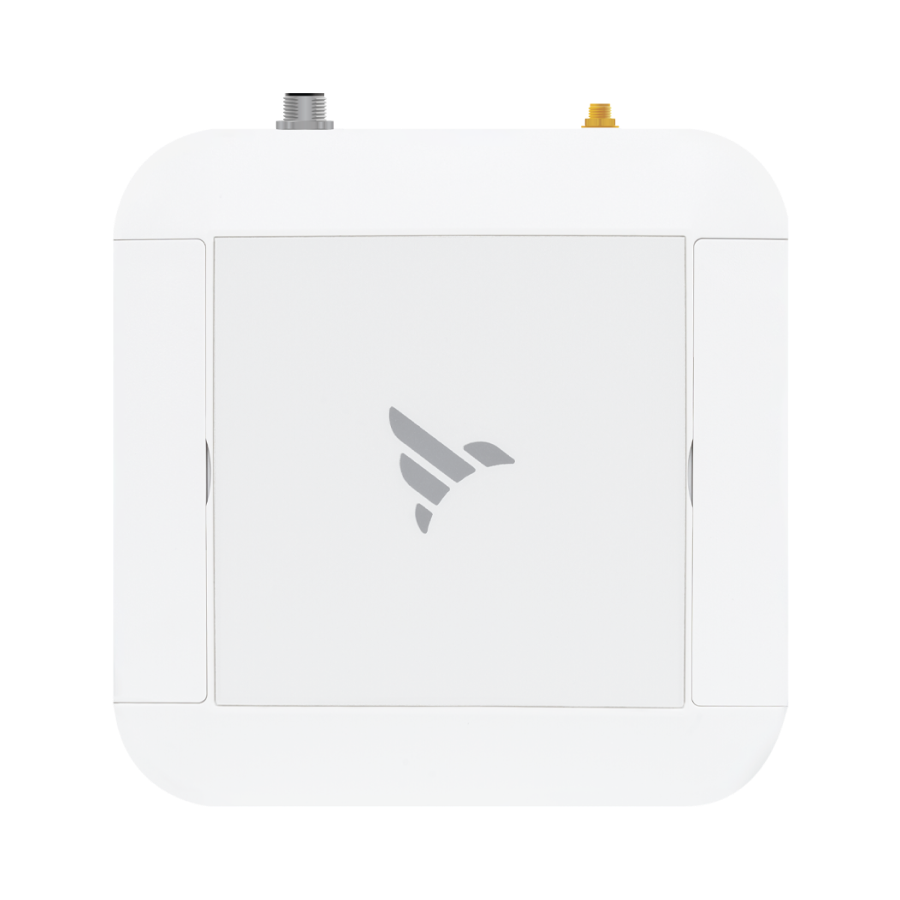
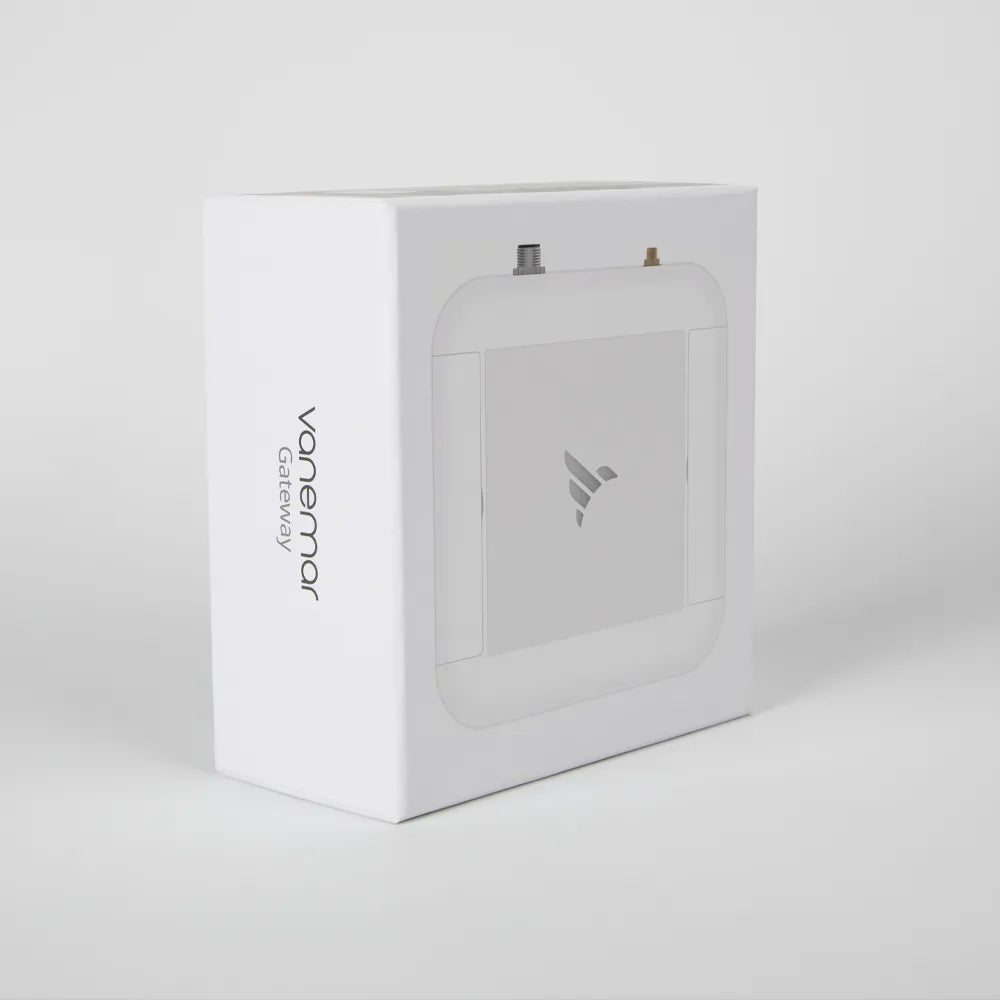
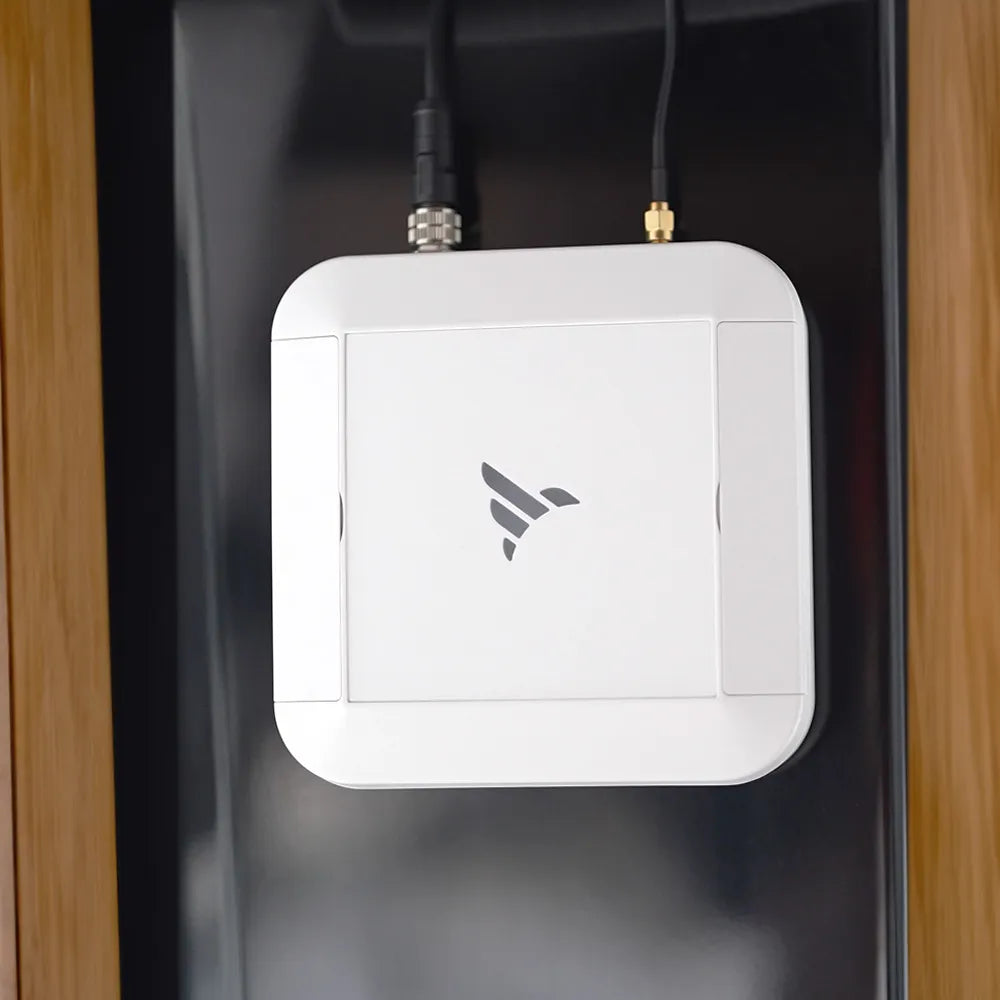
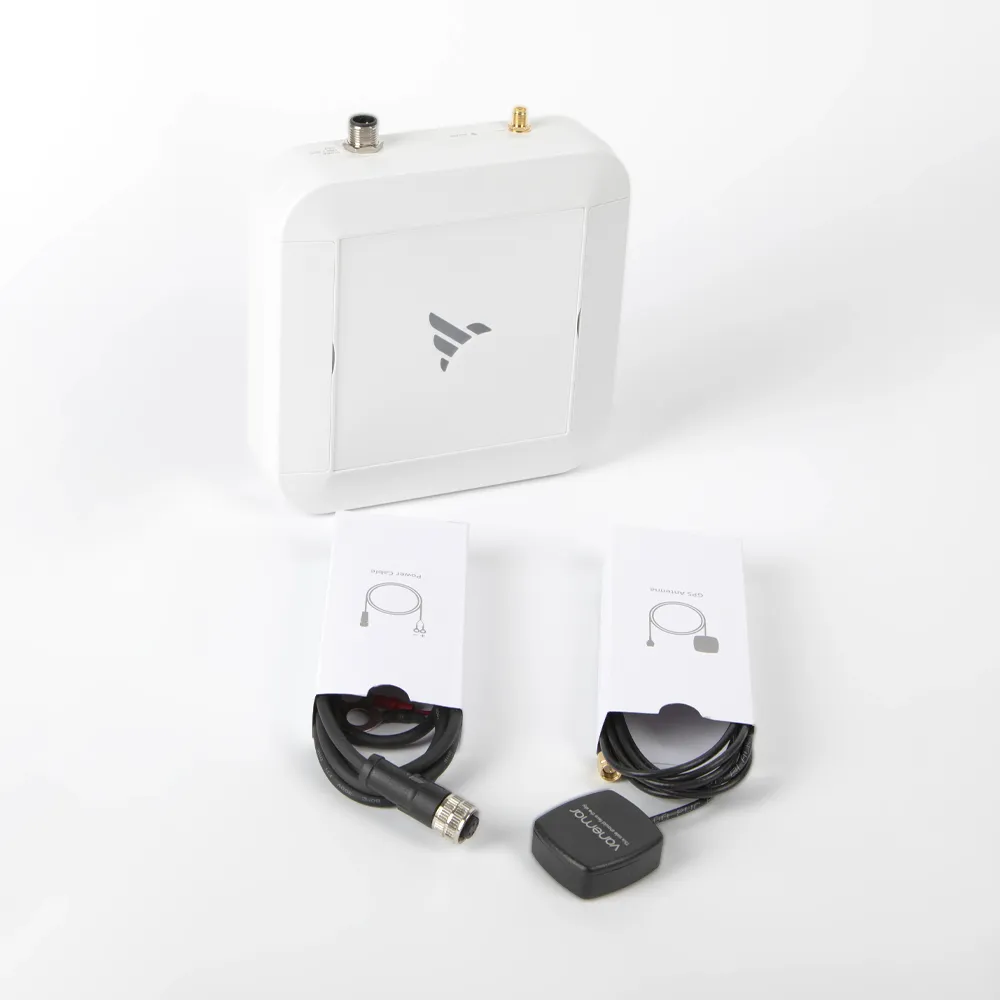
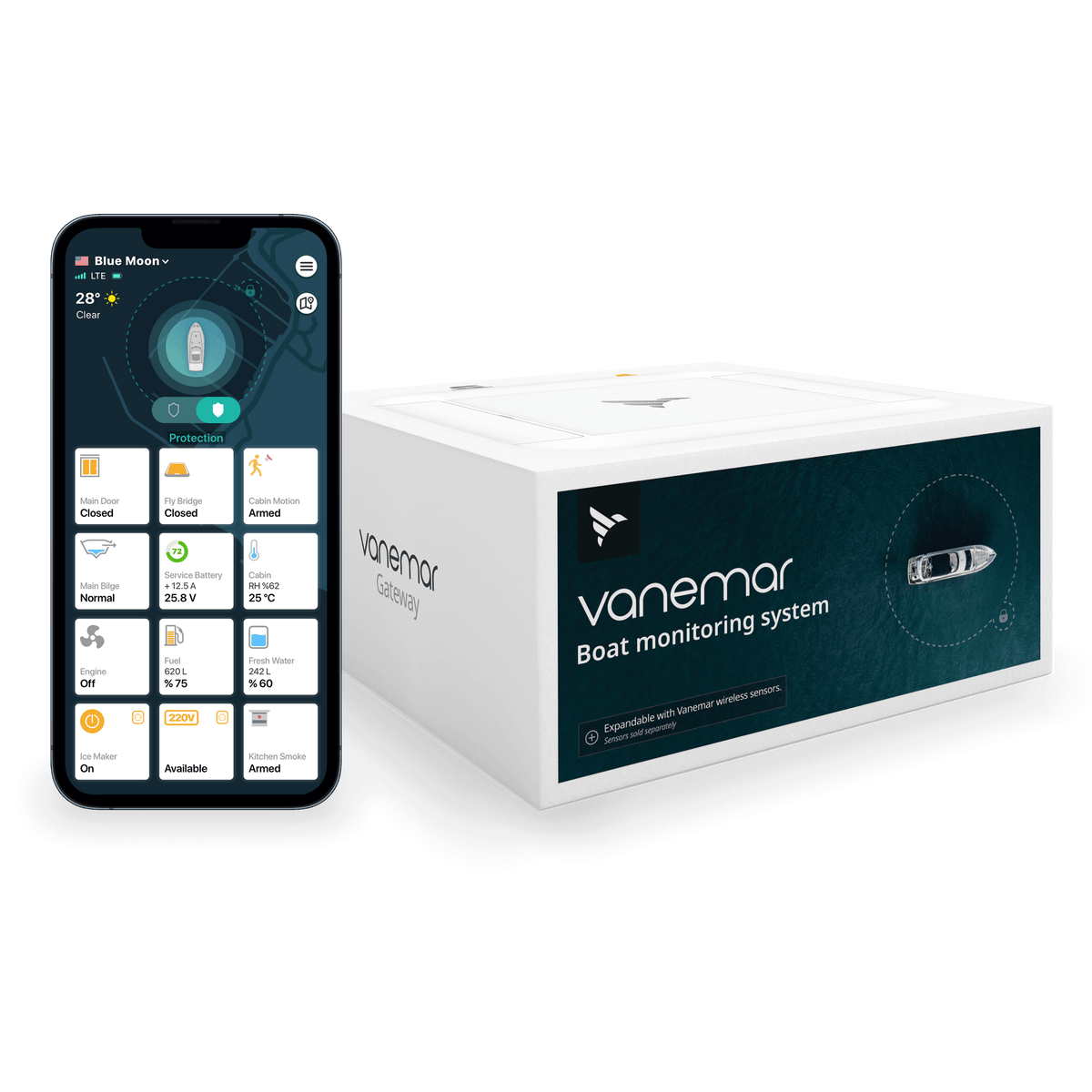
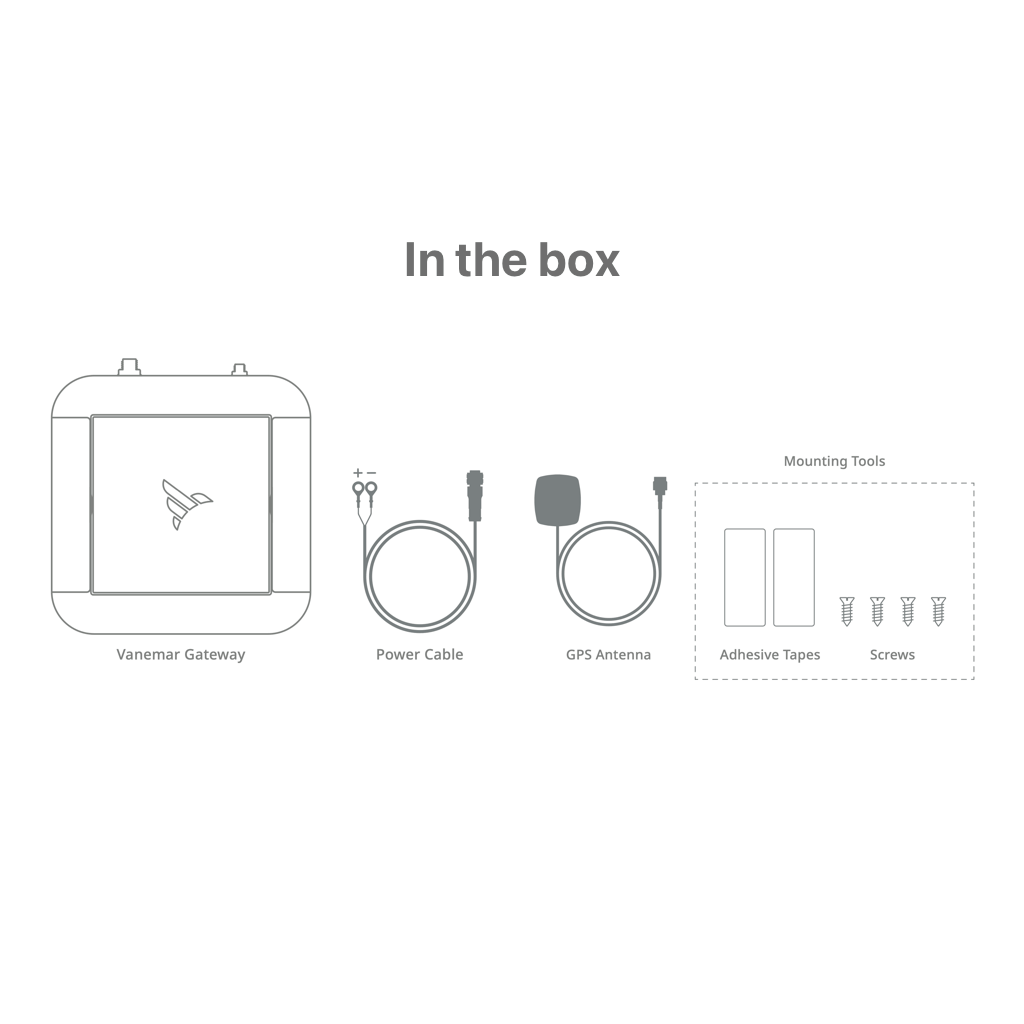
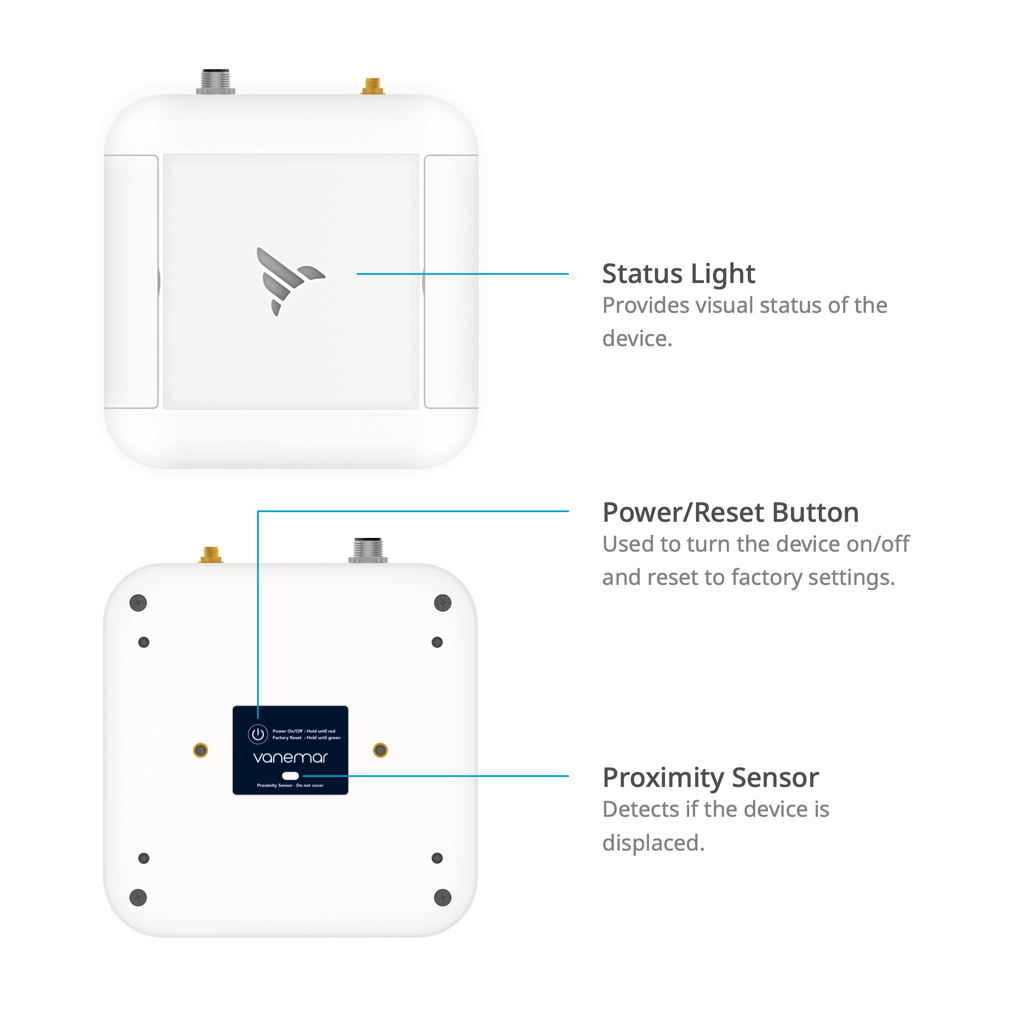
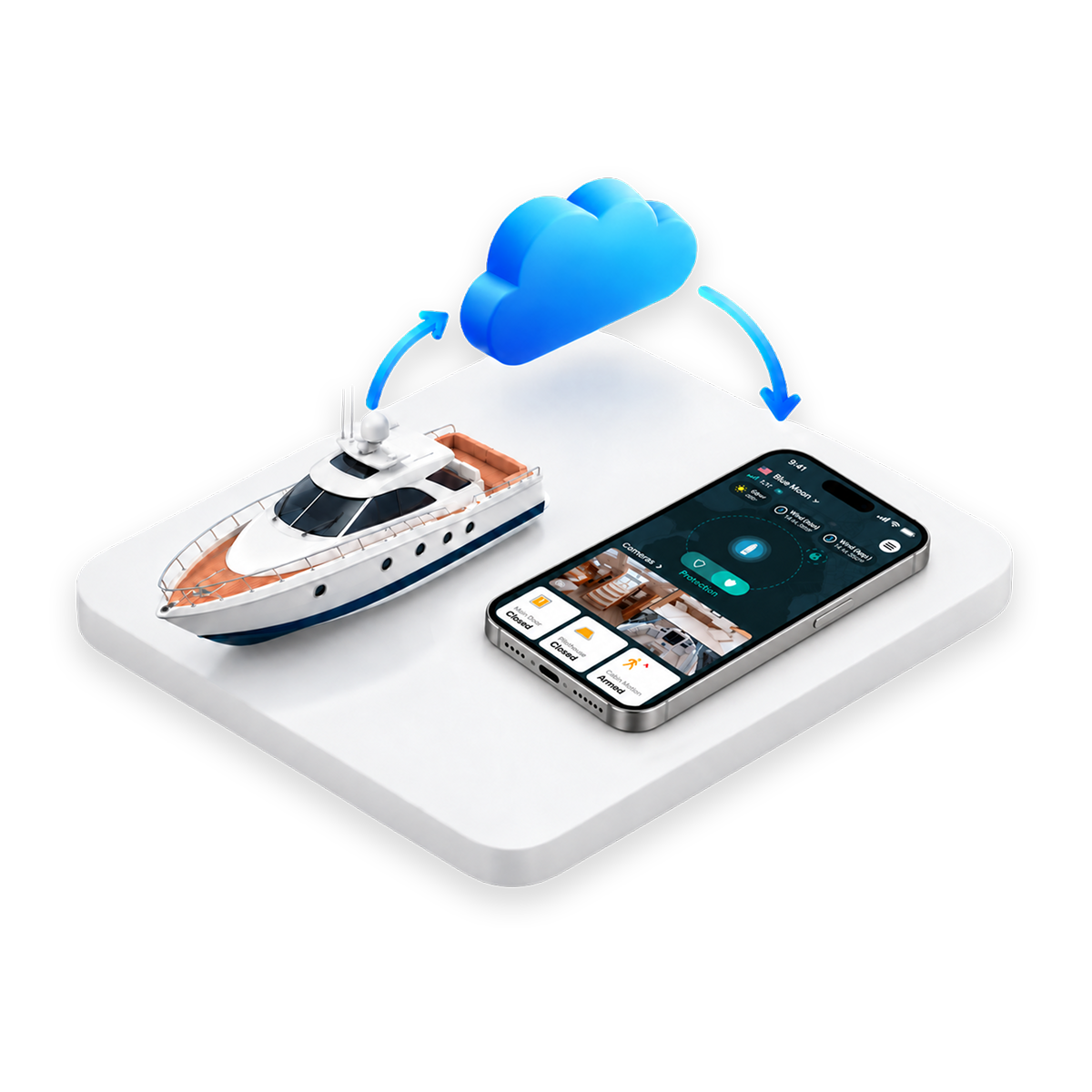
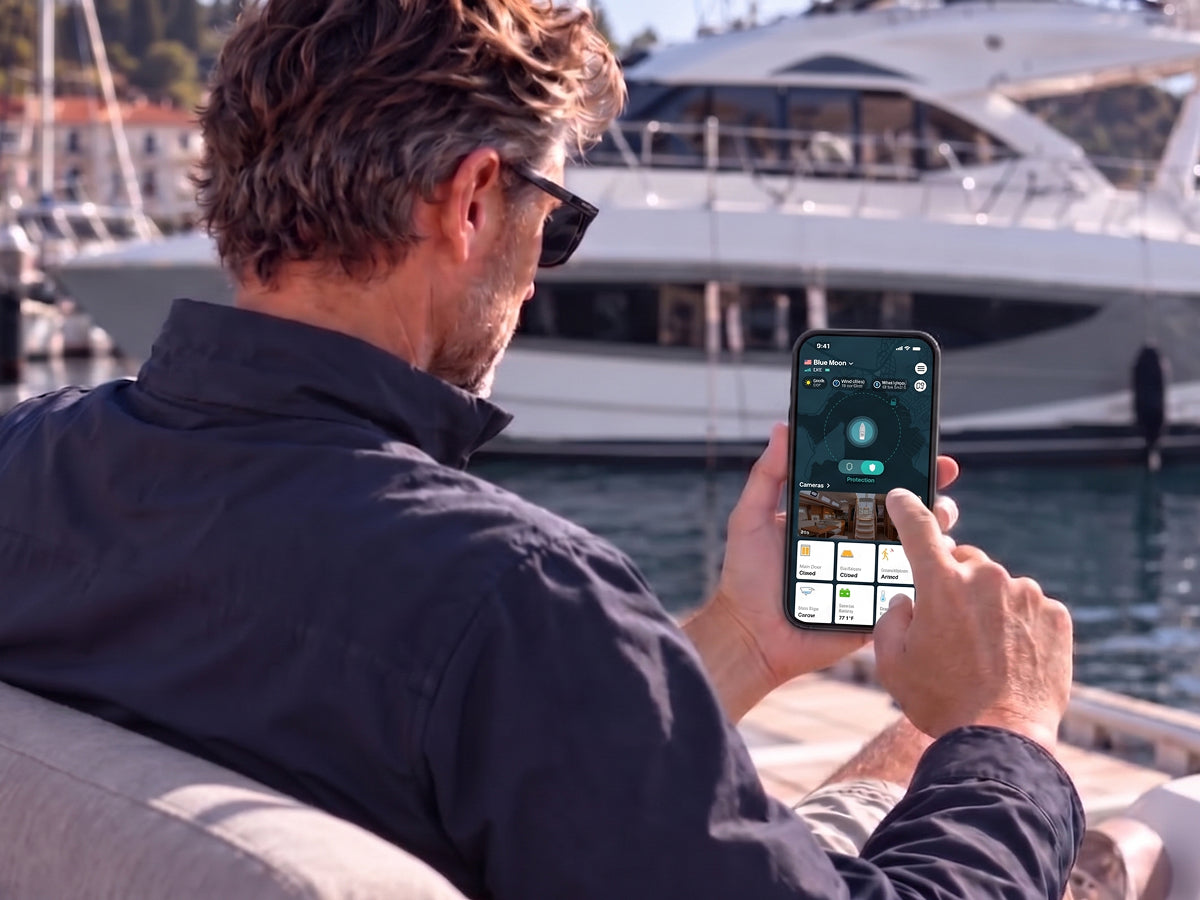
The Vanemar Boat Gateway stands at the core of your boat's safety, offering state-of-the-art monitoring and protection. Easily activate or deactivate the remote boat monitoring system with the yacht devices wifi gateway. Locate your boat with precise GPS tracking, synchronize effortlessly with Vanemar's range of wireless sensors and enjoy seamless connectivity for a comprehensive overview of your boat's status. Boat security systems and monitoring systems provide peace of mind, whether you're on the water or ashore.
Location and connected-battery monitoring are built into the Gateway. Start without additional sensors; activate Vanemar Connect to check these readings and receive alerts while you are away.
Check where you left it.
Open the map to check your boat’s position at its berth, or follow its track when it is underway. Journey history lets you revisit a completed route.
Give its movement a boundary.
Set a geofence around your mooring or marina. If the boat crosses that boundary, an alert lets you know it has moved beyond the area you chose.
Check the battery before heading down.
See the voltage of the 12/24 V battery powering the Gateway. For another battery bank, add a separate Battery Sensor so you can monitor it independently.
POWER AND DEVICE SECURITY
Keep watch over the Gateway, too.
A disconnected power cable or a device being removed deserves attention of its own. The Gateway monitors these changes alongside your boat’s everyday readings.
01BUILT-IN BACKUP BATTERY
A power cut does not mean an immediate shutdown.
If the Gateway loses its external DC supply, its internal battery keeps it operating and it can report the power loss. This monitors the Gateway’s own supply; use a Smart Plug on a shore-powered outlet to monitor shore-power loss separately.
02TAMPER DETECTION
Know if the monitoring device is disturbed.
The Gateway can detect an attempt to remove or physically tamper with it and raise an app alert. This gives you a reason to check the installation or ask someone nearby to inspect the boat.
A connection for when you are away. Options for when you are aboard.
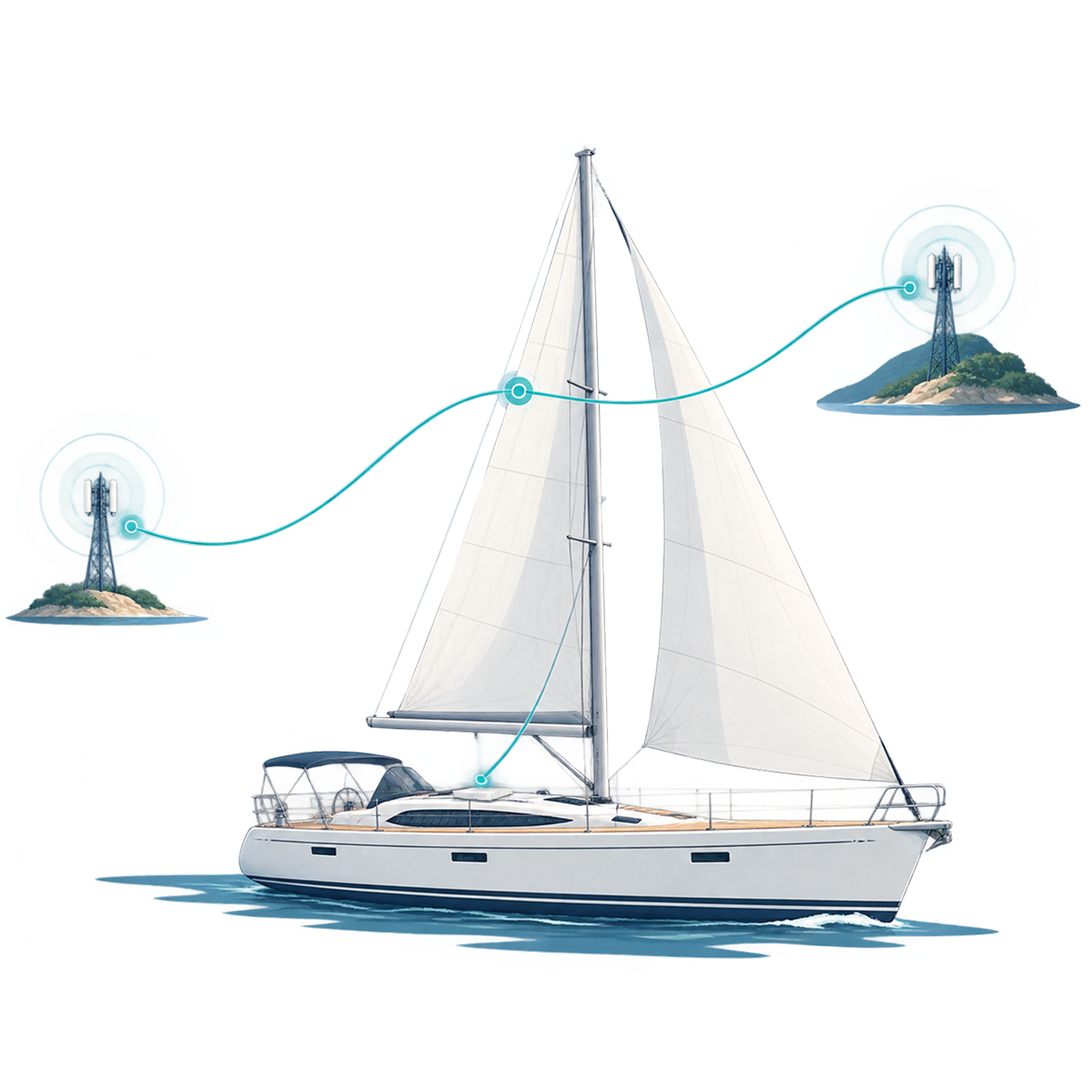
The built-in SIM removes the need to arrange a separate mobile line. Vanemar Connect supplies the cellular service, cloud access and remote alerts; a local wireless connection is available near the Gateway.
Activate Connect in the app to use the Gateway’s integrated SIM. Remote monitoring works wherever supported cellular coverage is available; you do not need an onboard router for this connection.
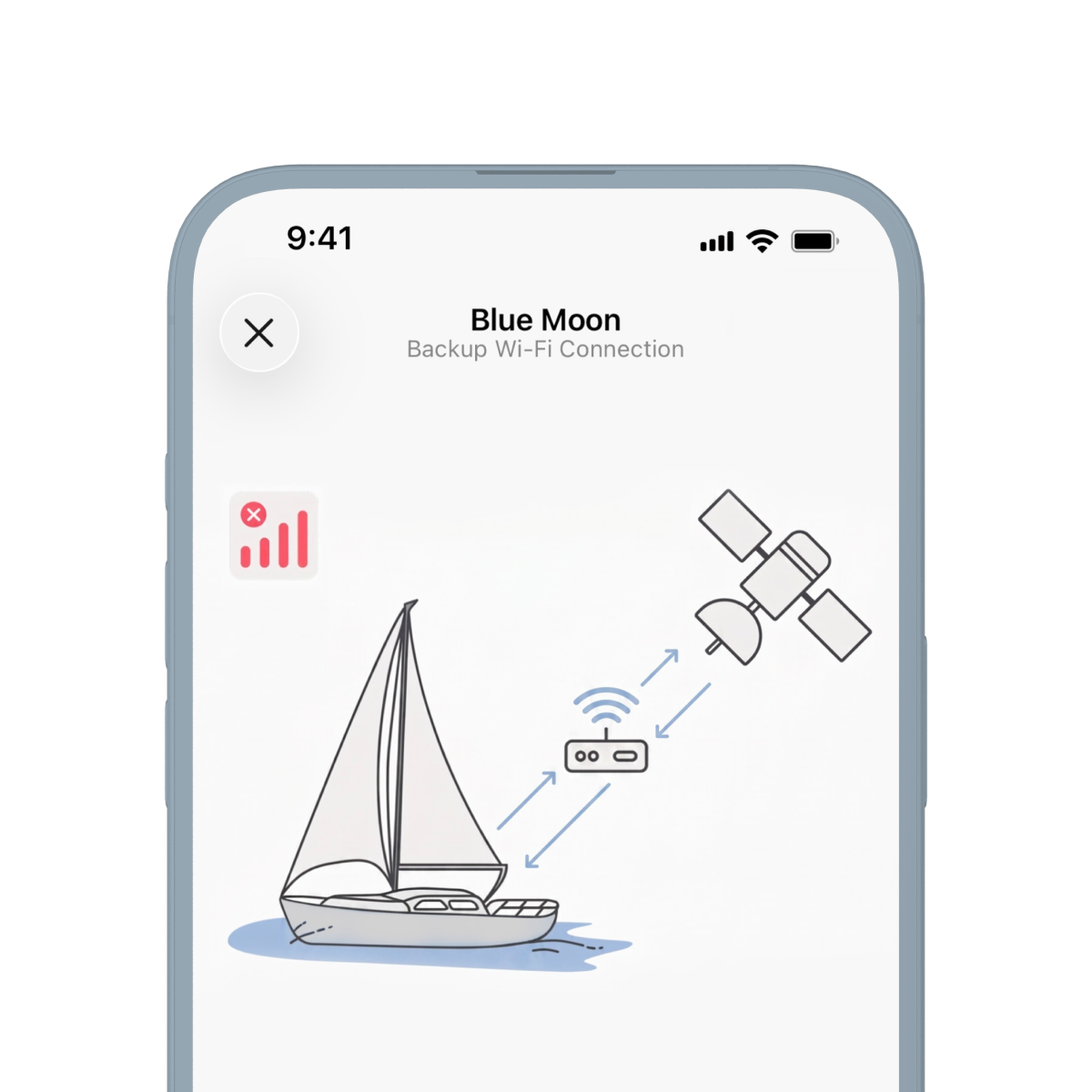
Save a 2.4 GHz Wi-Fi network from an onboard router or Starlink setup. Vanemar Gateway can switch to it when cellular service is unavailable. The network must have internet access, and Connect must remain active.
If no internet connection is available, the Gateway continues recording and syncs the data when it reconnects. Live remote readings and immediate remote alerts are unavailable during that gap.
When you are close to the Gateway, use the app’s local wireless connection to view the system, even without Connect. This local access does not provide alerts or monitoring after you leave the boat.
ROOM TO GROW
Build around the places you want to check.
Choose the next sensor by the question you want answered: is there water in the bilge, has a hatch opened, or how is the other battery doing?
01ADD ONLY WHAT YOUR BOAT NEEDS
One Gateway. More of your boat in view.
Start with the built-in readings, then add monitoring where it matters to you.
Add a Water Sensor for a separate bilge, Entry and Motion Sensors for access points and cabins, or a Battery Sensor for another battery bank. For engine and tank readings, connect a Vanemar NMEA 2000 Adapter to a compatible onboard network.
Plan around your boat’s layout
A single Gateway supports up to 20 wireless sensors directly. Distance and metal partitions can affect reception, so check each location before fixing a sensor in place.
INSTALLATION AND SPECIFICATIONS
Three steps to your first boat check.
Connect the hardware, finish setup in the app and confirm the readings before leaving your boat.
1. Connect and secure.
Follow the installation guide to connect the Gateway to a 12/24 V DC supply and secure it in place. Ask a qualified marine electrician if you need help with the wiring.
2. Set up in the app.
Stay near the Gateway and follow the Vanemar app’s setup prompts. Allow the app to use your phone’s local wireless connection and enable notifications, then activate Connect if you want remote monitoring.
3. Check before you leave.
Confirm that location and battery readings update. Set your geofence and notification preferences, then test the relevant alerts before relying on them away from the boat.
Vanemar Gateway - Boat Gateway
GATEWAY HARDWARE
Technical Details
Power Input
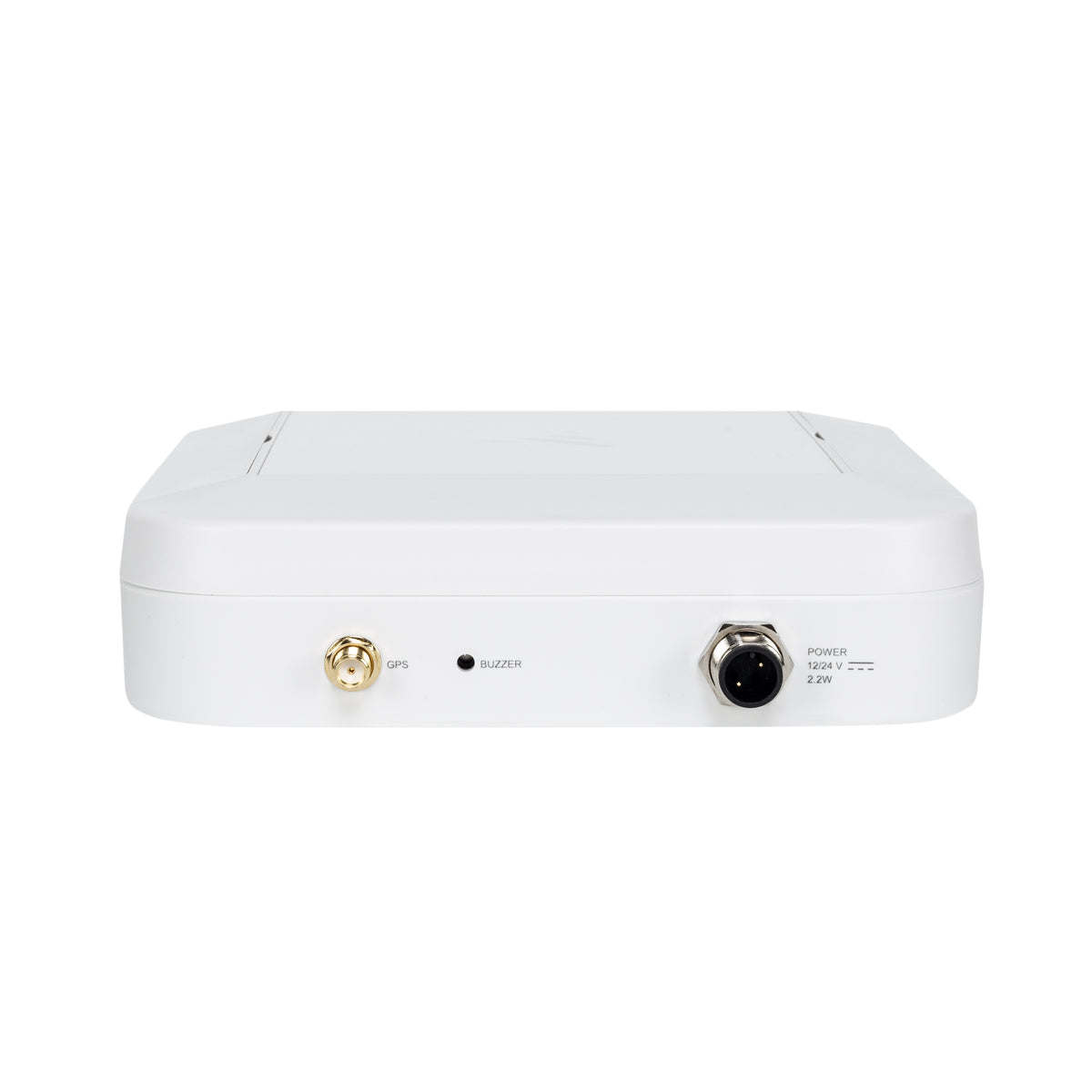
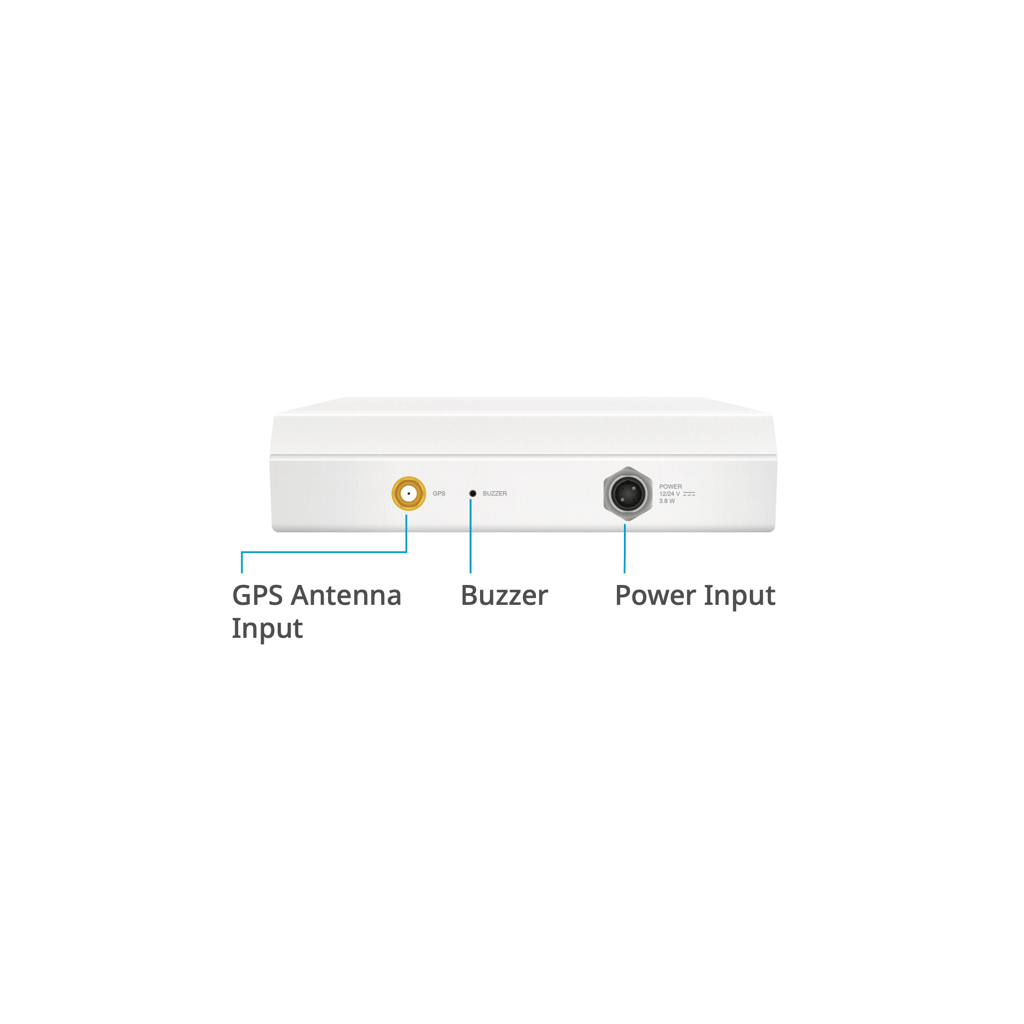
12/24 V DC · 3.8 W · waterproof connector
Supported Batteries
12 / 24 V DC
Backup Battery
3450 mAh Li-ion · up to 8 hours
Power Consumption
<100 mA standby / ~320 mA peak @ 12 V
Wi-Fi
2.4 GHz · IEEE 802.11 b/g/n
Zigbee
Zigbee 3.0
Sensor Capacity
Up to 20 devices
Accelerometer
3-axis · up to 8g
Tamper Protection
Proximity Sensor
SIM
Built-in global SIM
Cellular Connectivity
Quad-band UMTS / HSDPA / HSPA+ / LTE
Positioning
GPS · GLONASS · Beidou
Audio Output
~85 dB audible alarm at 10 cm
Operating Temperature
-10°C – +60°C
Antennas
External GPS / internal GSM (LTE)
Dimensions
150 × 150 × 40 mm
BEFORE YOU ORDER
A few practical details.
Plan the hardware, service and installation for your boat.
01
What should I budget for beyond the Gateway?
The Gateway is a one-time hardware purchase. For remote monitoring, budget separately for Vanemar Connect, which you activate and manage in the app. Add sensors only for the extra areas or equipment you want to monitor.
02
Can I use my own SIM card?
The Gateway uses its built-in SIM, with cellular service provided through Connect. It cannot be replaced with a personal SIM, so there is no separate operator contract to arrange.
03
Do I need a Battery Sensor for the battery powering the Gateway?
No additional Battery Sensor is needed to view that battery’s voltage. Add one for each other battery bank you want to track separately, such as a starter battery.
04
What should I check before fixing everything in place?
Follow the Gateway installation guide, then verify its location reading and internet connection. If you add sensors, check reception in each intended position before mounting them permanently, especially across metal partitions.
Real Owners
Customer Reviews
5.0· 10 reviews
First-hand experiences from boat owners who use Vanemar.
Loading reviews…
Vanemar Support
Questions about the Gateway? We’re here to help.
We’ll help you choose the right sensors for your Gateway and support you through installation and setup in the app.