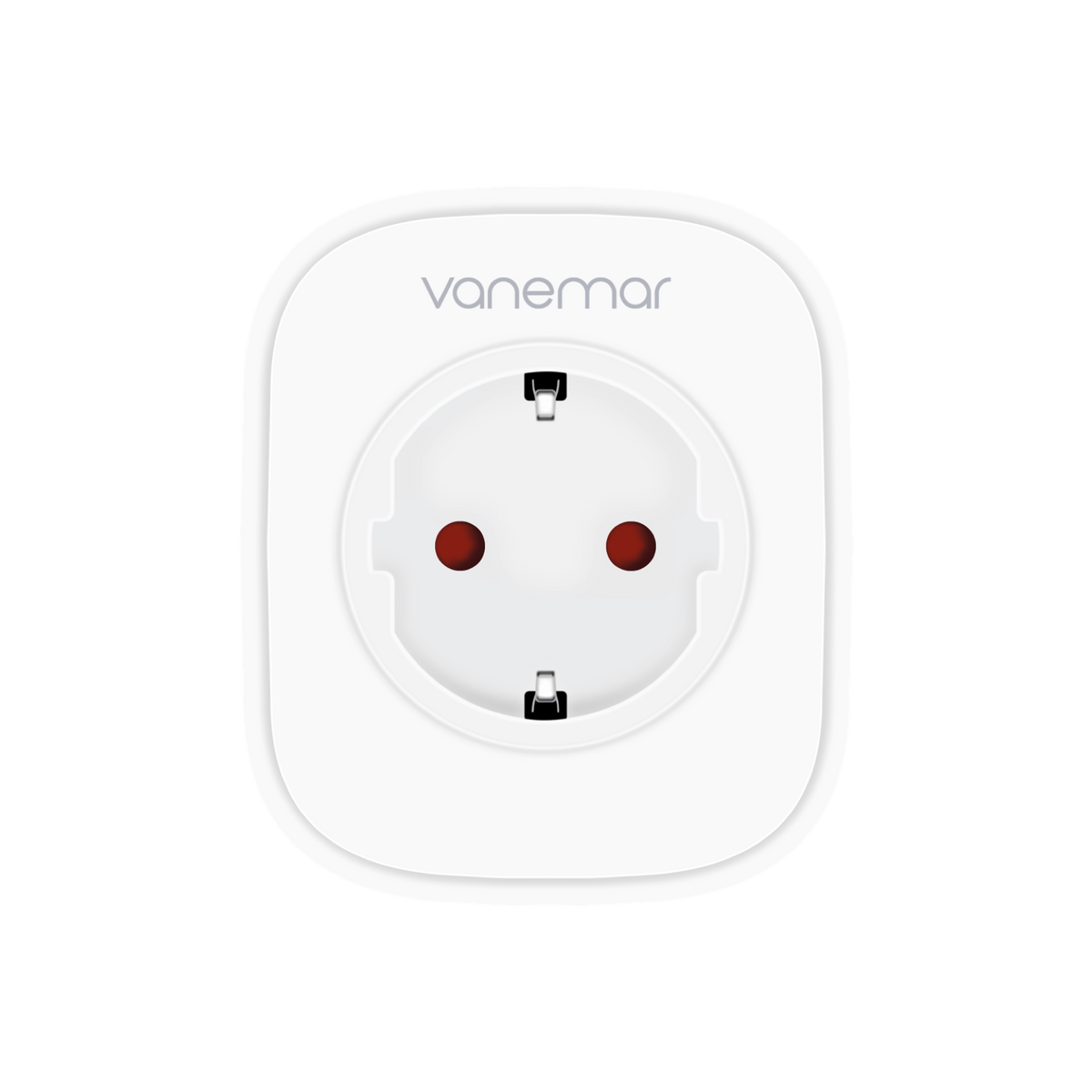
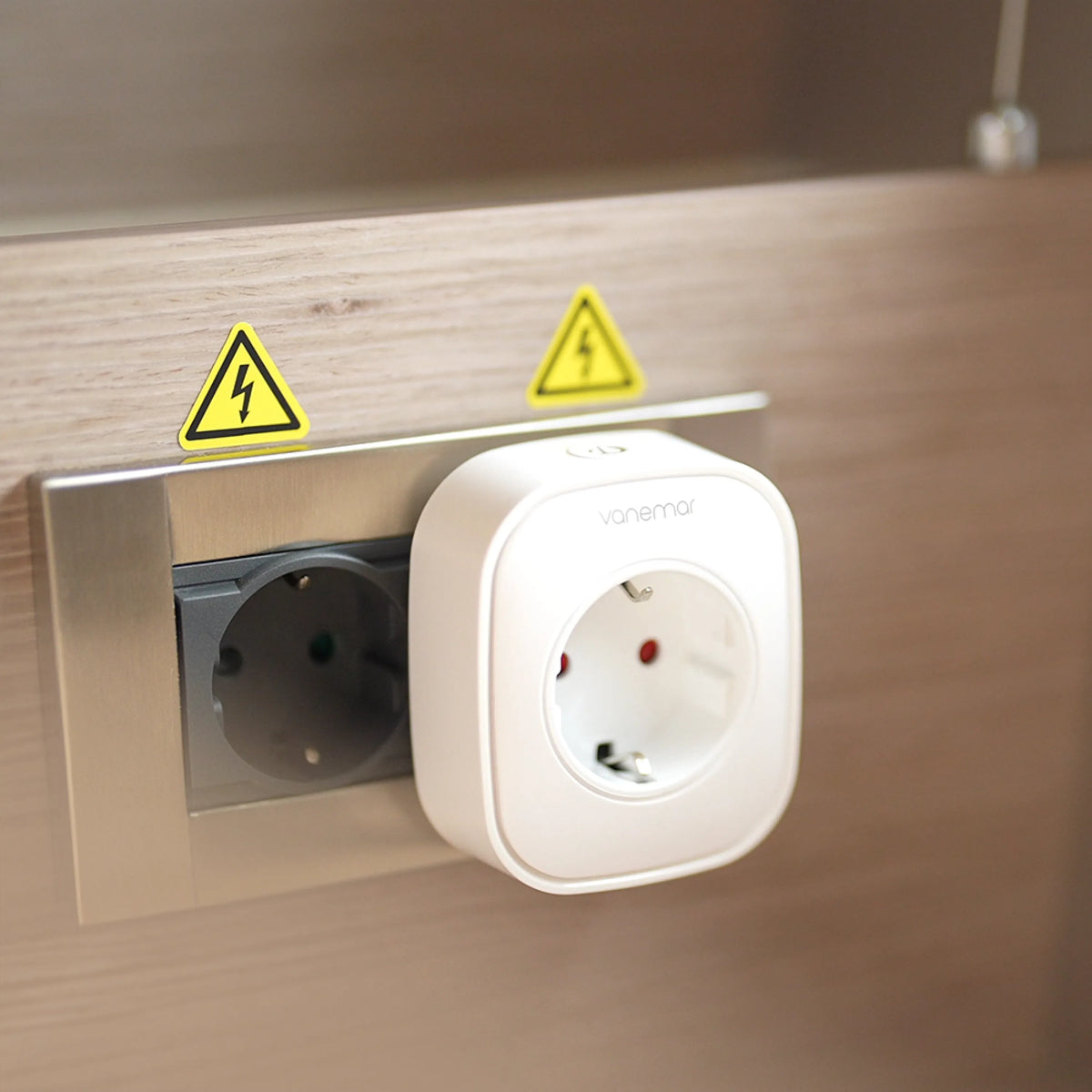
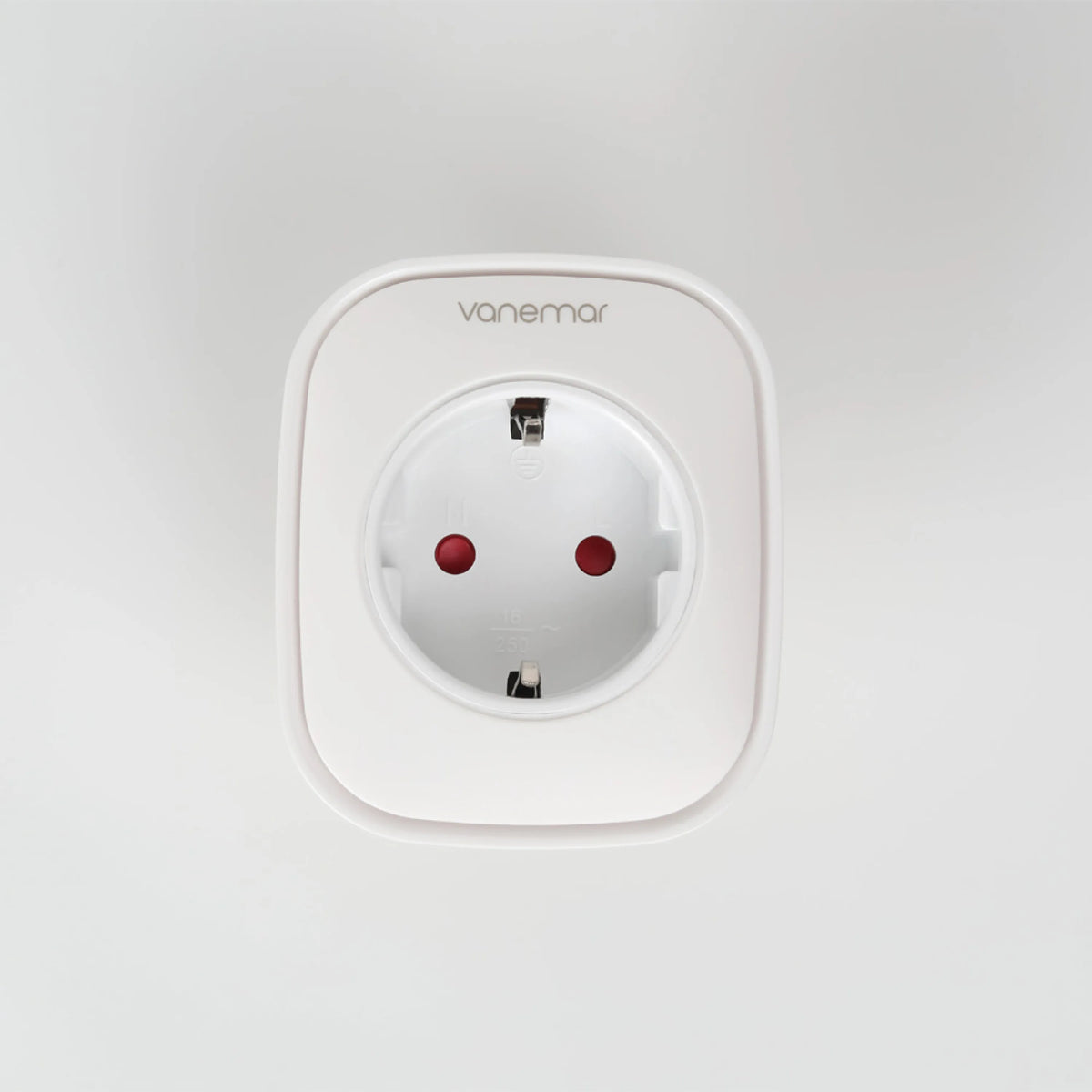
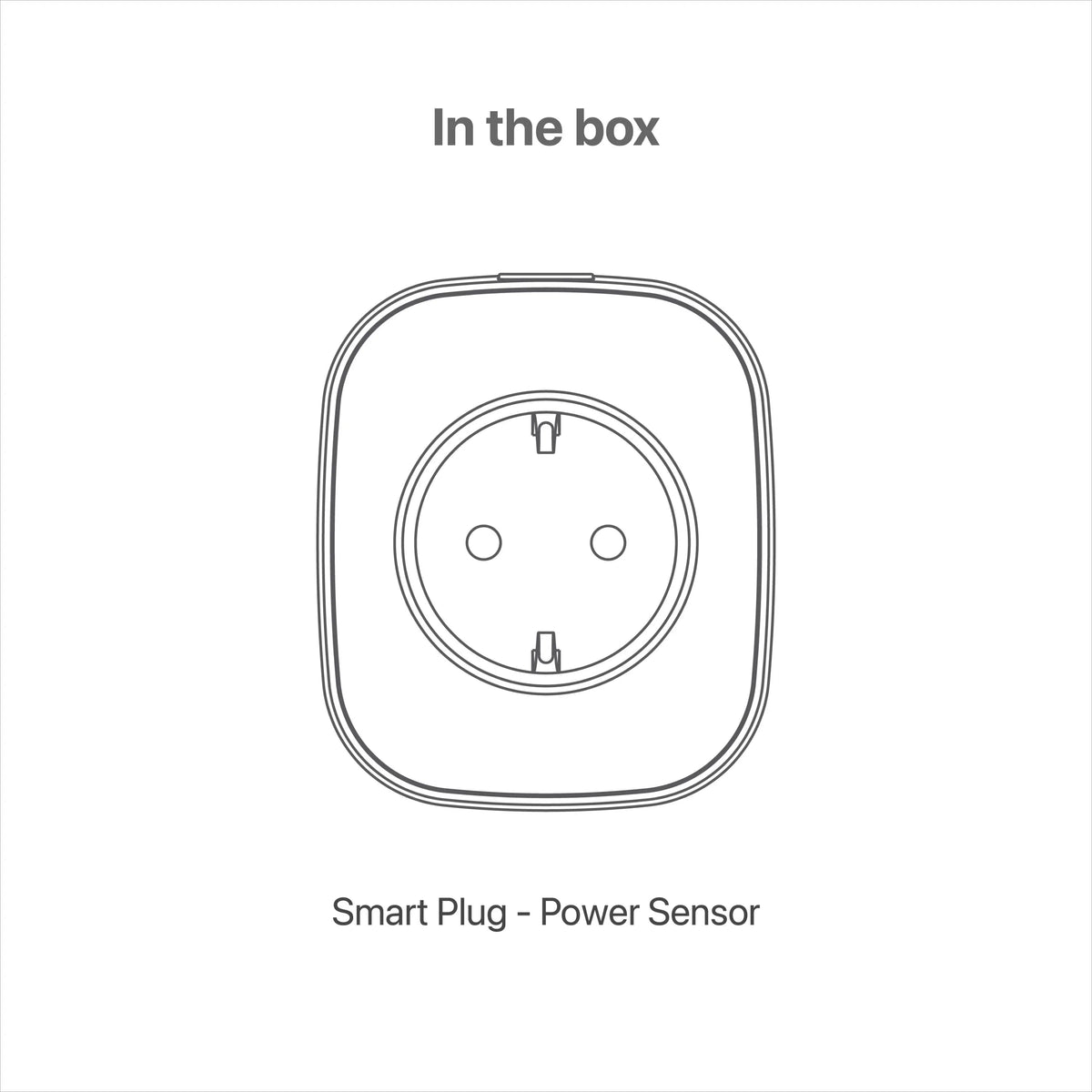
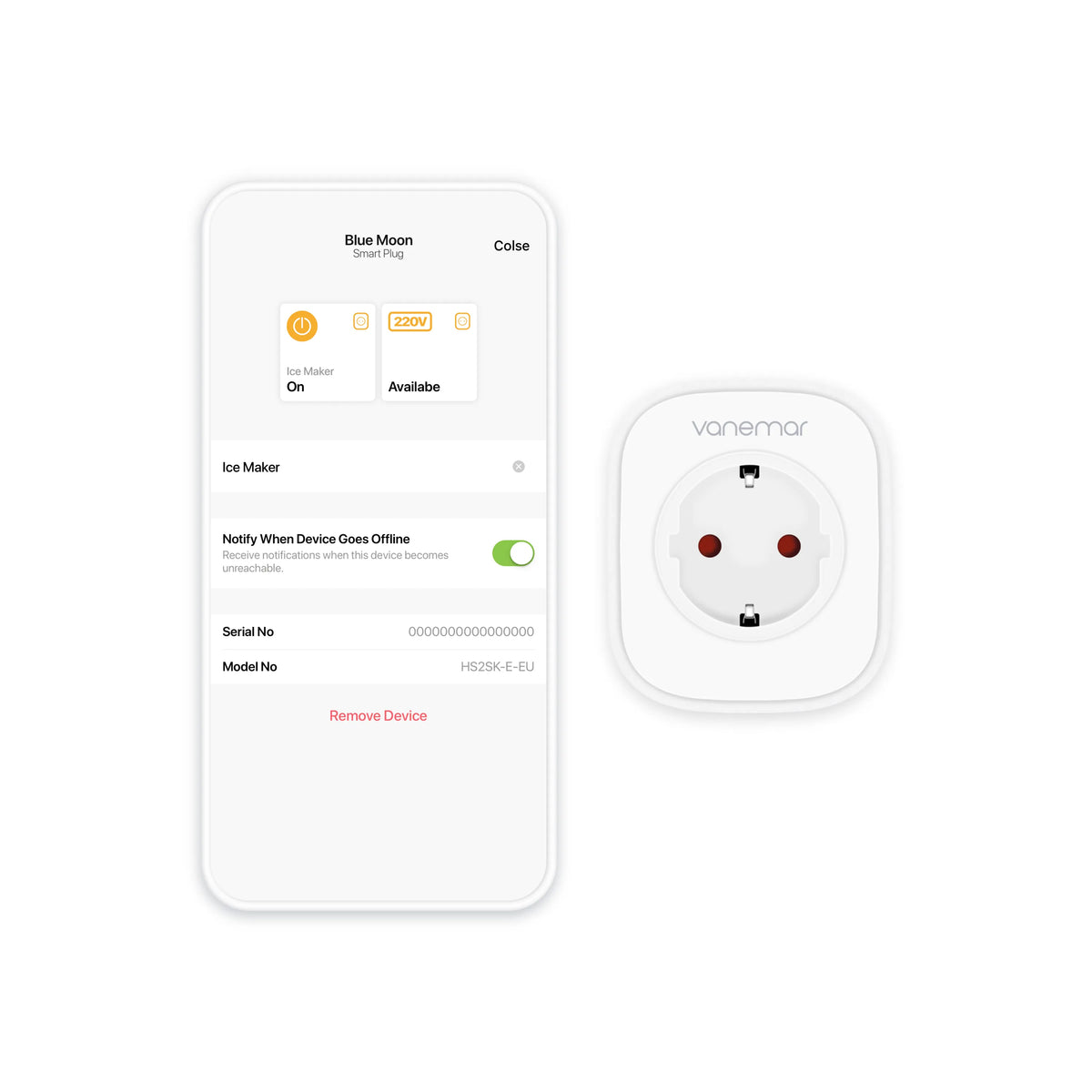
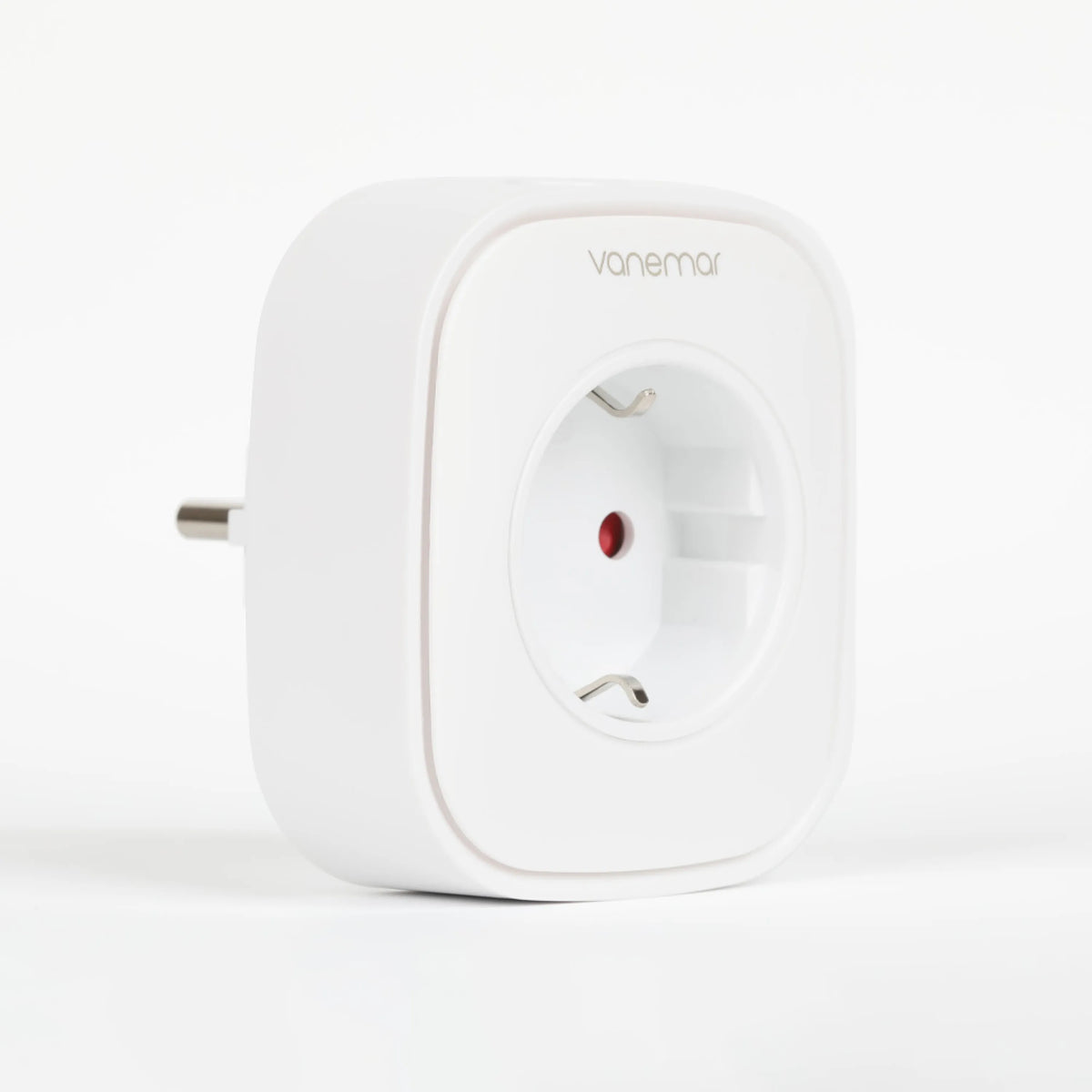
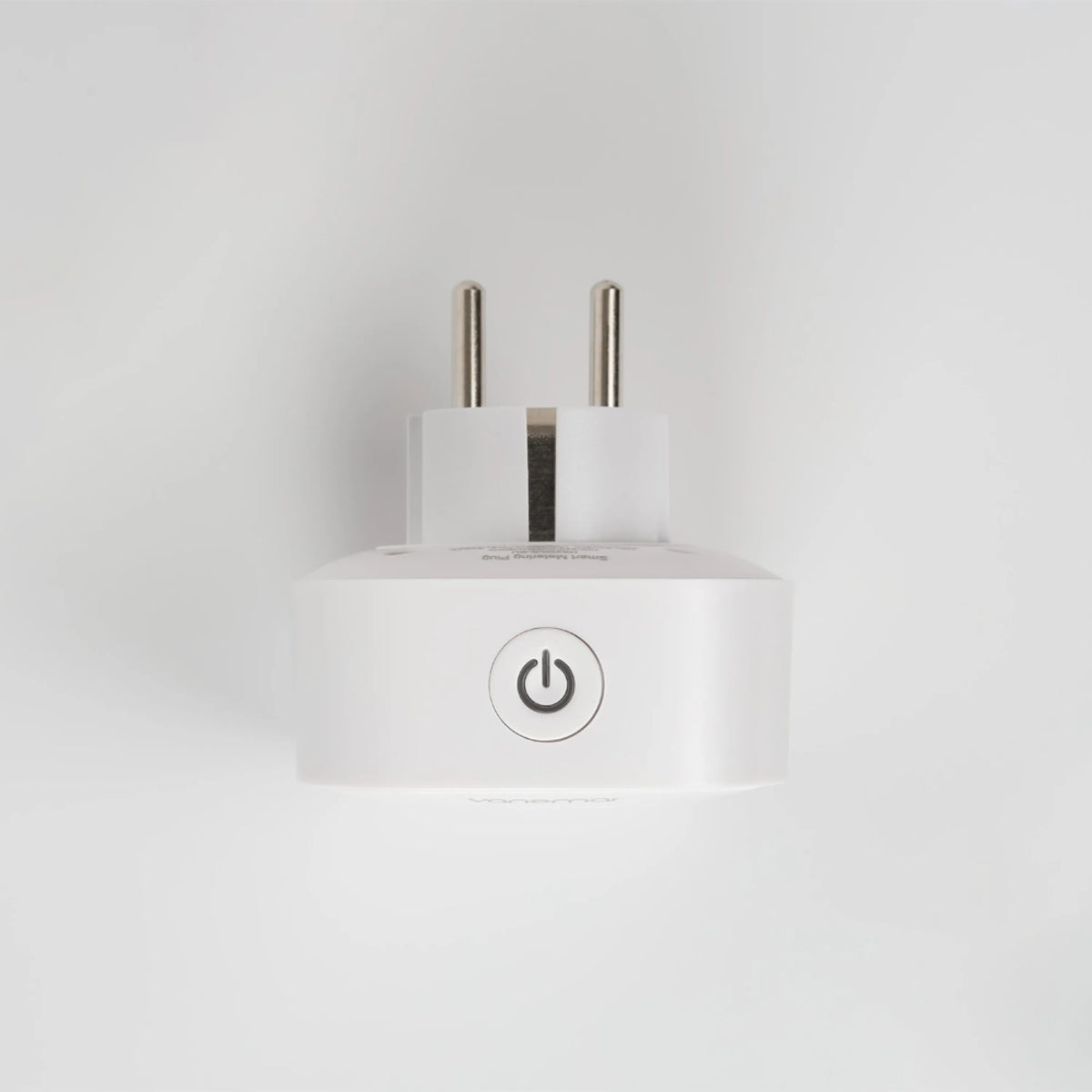
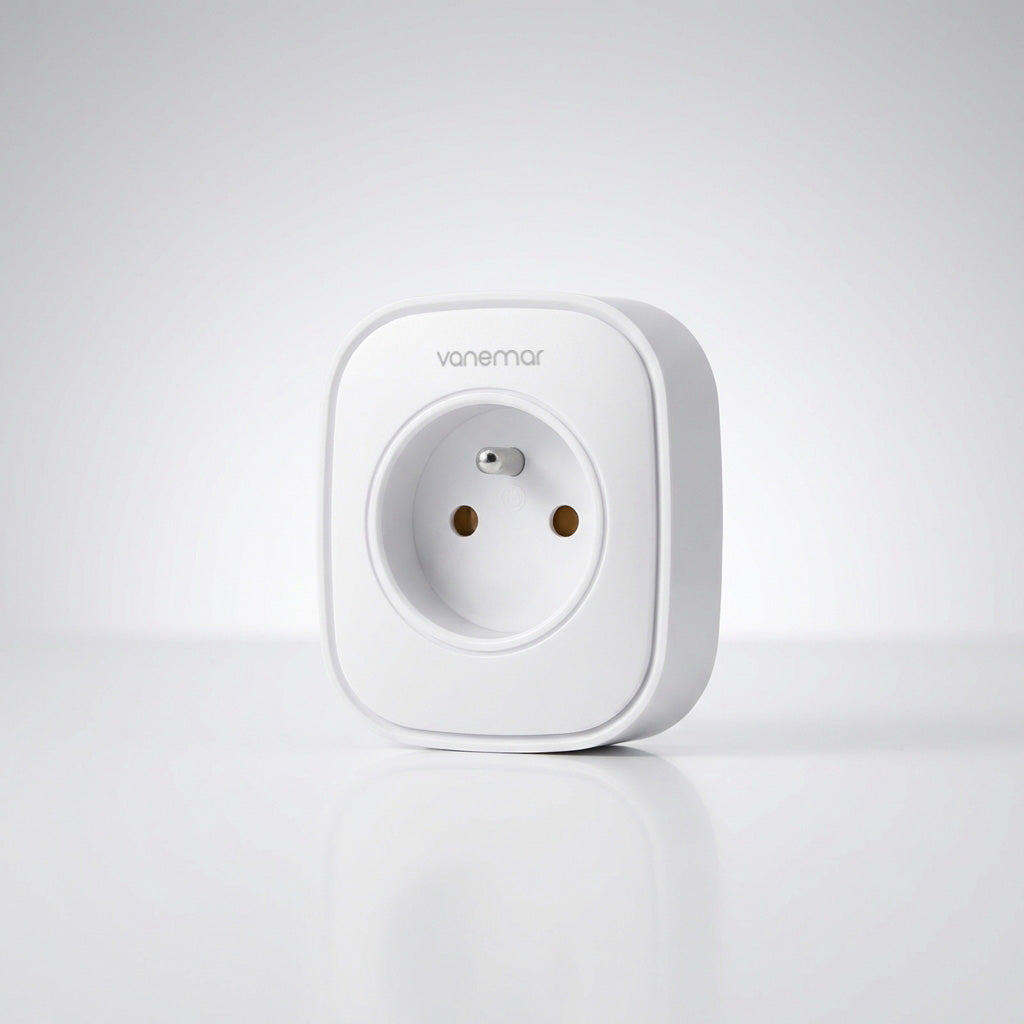
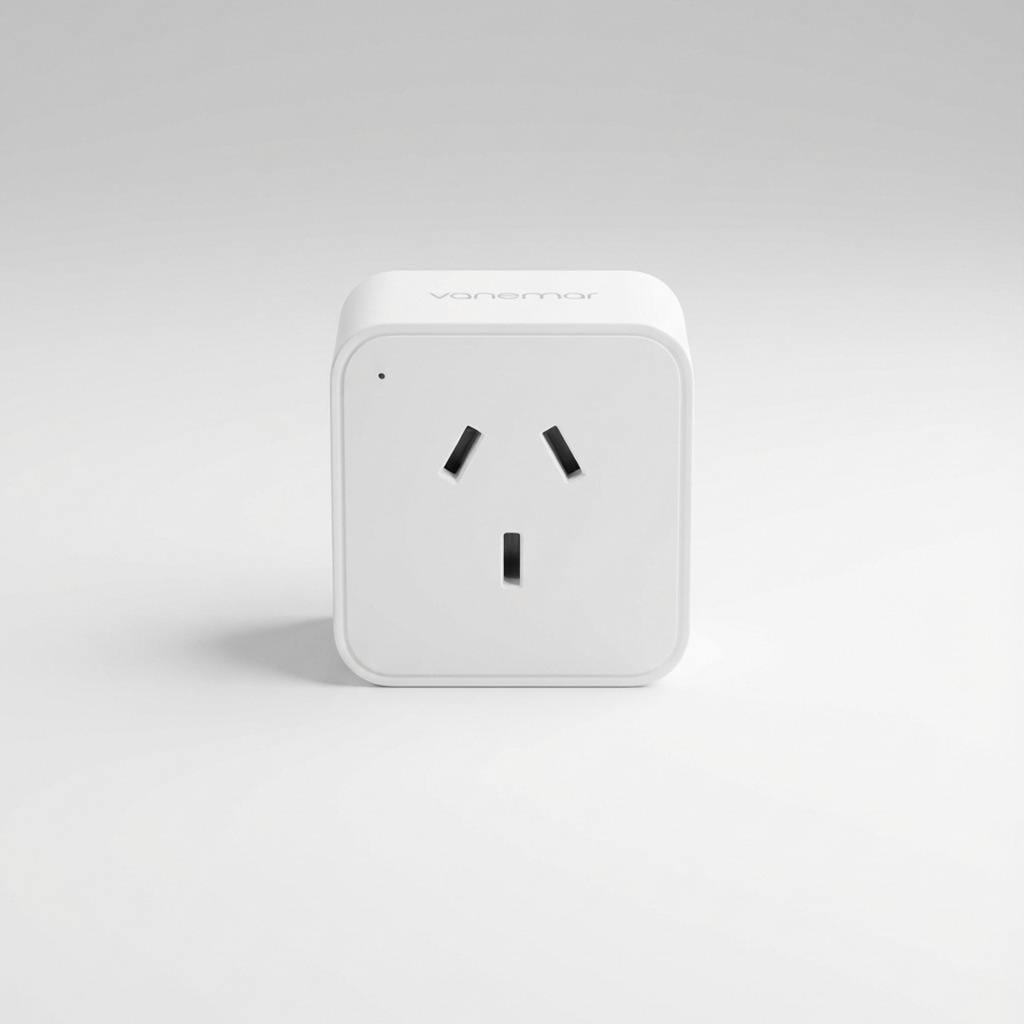
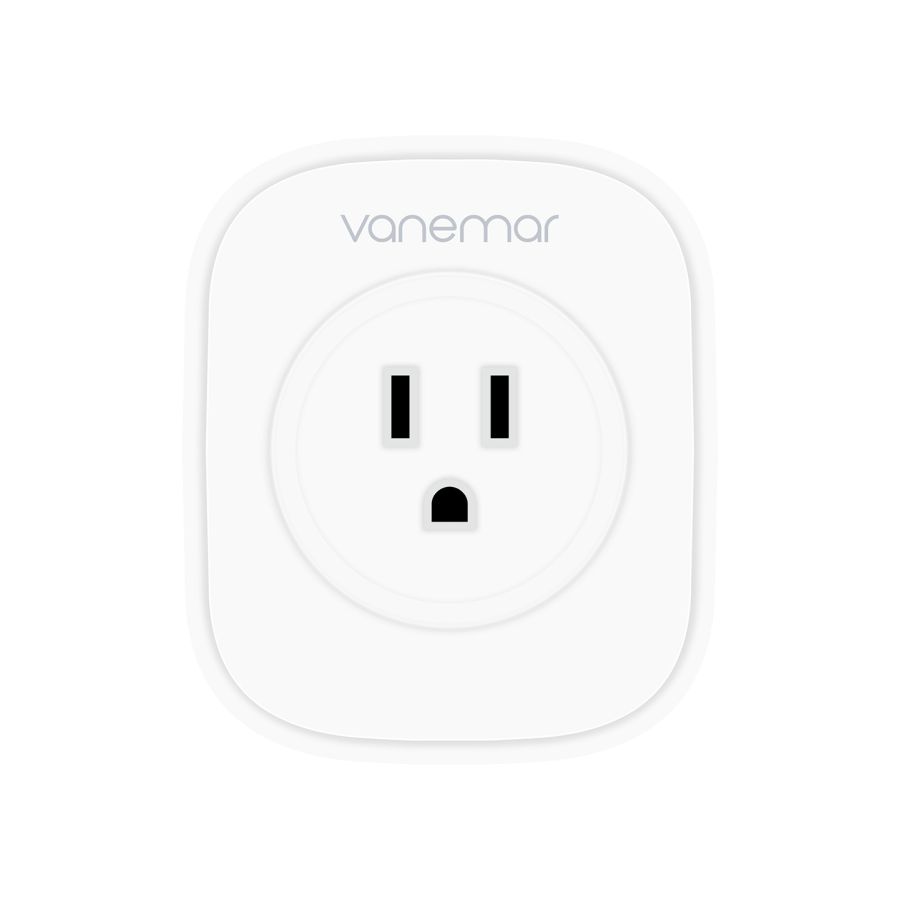
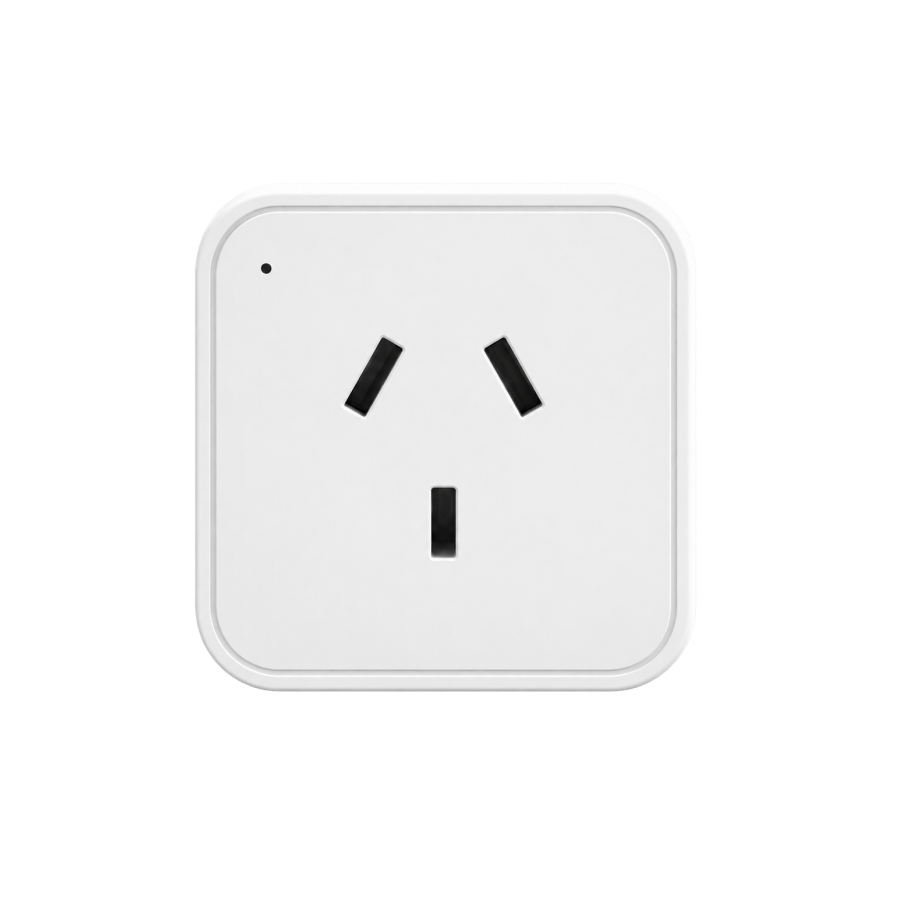
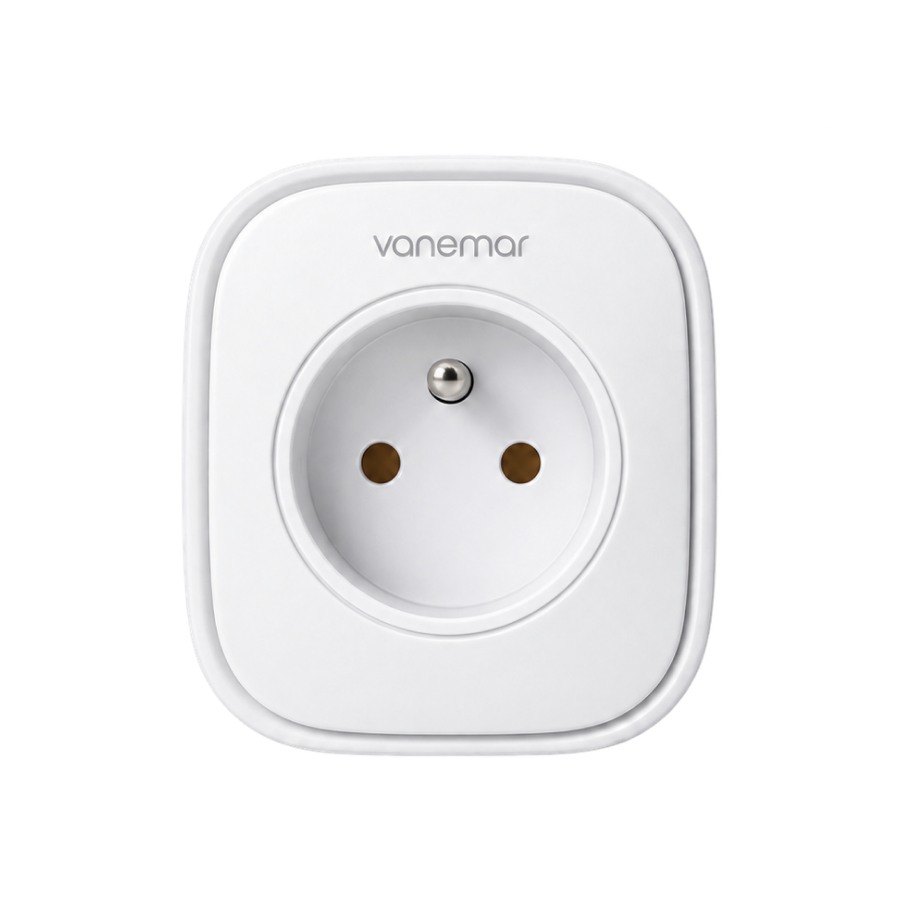
With the Vanemar Boat Electrical Plug, you can check the status of connected devices and turn them on or off remotely from the app. This boat smart plug and marine smart plug also lets you see whether shore power is available. The Vanemar marine electrical plug has a flame-retardant housing.
You do not need to be within reach of the socket to control it. Bring a compatible appliance into your Vanemar setup and manage its power from the app.
Put the switch within reach.
Check the plug’s on/off status and switch its output from your phone. Useful when a suitable appliance needs turning off after you have left the boat.
Let a lost connection get your attention.
Enable offline notifications to find out when the plug loses its connection. A power interruption at the outlet is one possible cause and a reason to arrange a check.
Give nearby sensors another route.
While powered, Smart Plug also relays wireless signals for your Vanemar sensors, helping them connect across your boat’s layout.
PRACTICAL HELP BETWEEN VISITS
Small controls that make boat care easier.
Manage a plugged-in appliance or get a reason to check the power supply. Smart Plug adds both to the app you already use for your boat.
01WHEN THE BOAT IS ON SHORE POWER
A power check before your next visit.
A disconnected cable or tripped marina supply can interrupt power to the boat. With Smart Plug in an outlet supplied only by shore power, an offline alert gives you a reason to ask the marina to investigate.
If an inverter or generator keeps that outlet powered, a shore-power loss will not make the plug go offline. Choose the monitoring outlet accordingly.
02EVERYDAY APPLIANCES, CONNECTED
One less reason to drive to the marina.
Turn power to a suitable dehumidifier or charger on or off without making a trip just to reach its plug. Use an appliance approved for this kind of operation, within your Smart Plug’s rating, and check how it behaves when power returns.
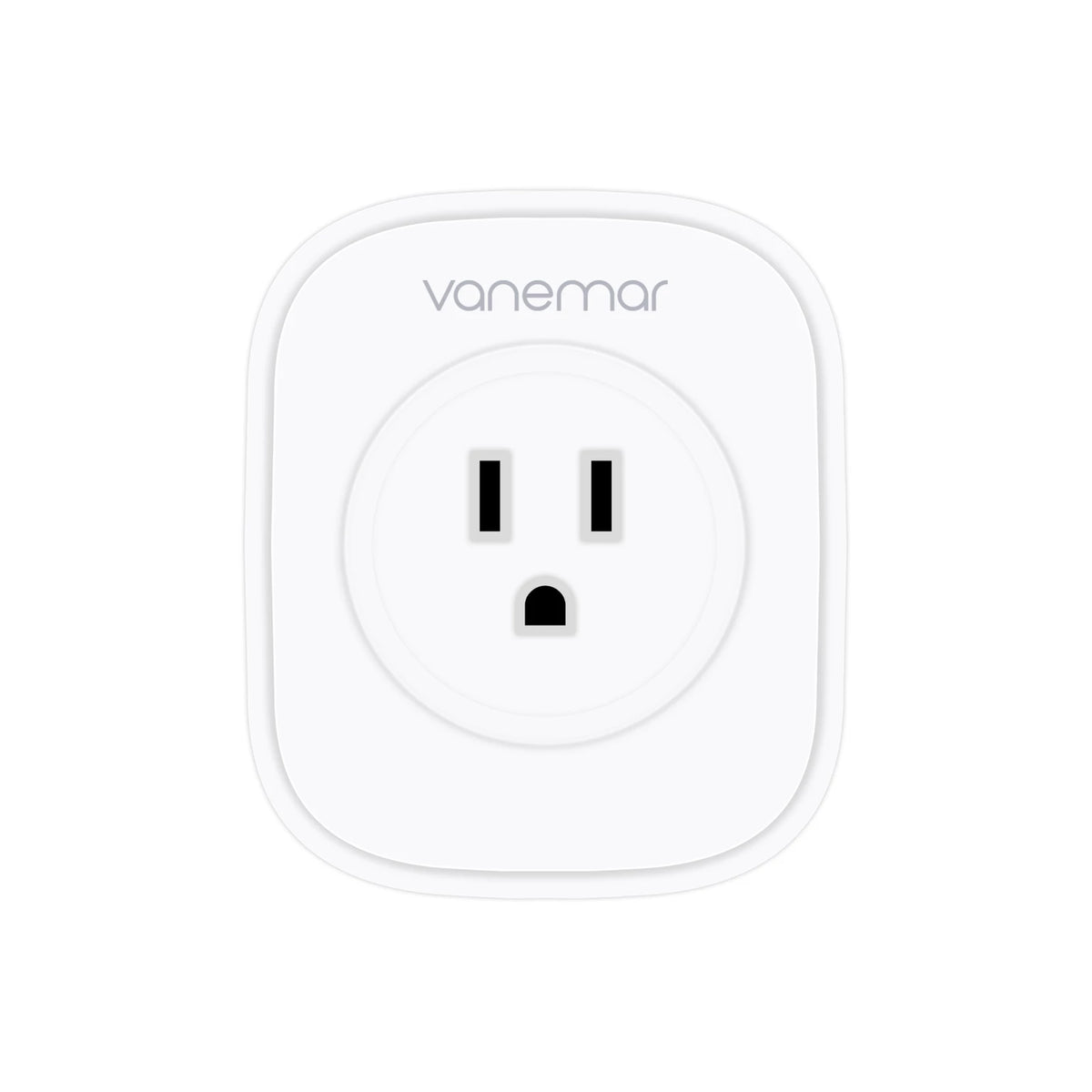
Choose the socket version that fits your boat when ordering.
PLAN YOUR SETUP
Choose the outlet. Make it part of Vanemar.
Match the plug to your boat’s sockets and the appliance you want to control. Then pair it with your Gateway and check the connection in its installed position.
Choose what you want to monitor
For shore-power monitoring, use an outlet supplied only by shore power and enable “Notify When Device Goes Offline” in the app.
Match the appliance to the plug
Check the plug’s voltage and load rating, plus the appliance’s instructions for switching its mains supply.
Keep the extender powered
Wireless repeating works while the Smart Plug has AC power. If that supply stops, sensors using it as a relay may lose their connection.
Boat Electrical Plug
Take a Closer Look
Compatibility & Product Details
App Control
Switch the connected outlet on / off
System Connection
Vanemar Gateway
Remote Access
Active Vanemar Connect required
Wireless Network
Zigbee
Power-Loss Indication
Offline notification when enabled
Network Extension
Requires AC power at the plug
Voltage & Load Rating
Version-specific — check the device label
Placement
Suitable indoor AC outlet
BEFORE YOU PLUG IN
The right plug for the way you use your boat.
01
How do I use it to monitor shore power?
Use a socket fed only by shore power and enable Notify When Device Goes Offline in the Vanemar app. The warning is based on the plug losing its connection. An inverter or generator that keeps the socket powered can prevent a shore-power loss from triggering it. Keep the Gateway online and notifications enabled.
02
Does an offline alert always mean a power cut?
No. Losing power makes the plug go offline, but a wireless connection problem or unplugging it can also do that. Treat the alert as a reason to check the outlet and connection; it does not identify the cause by itself.
03
Can I use it with any appliance?
Choose an appliance that matches your plug’s voltage and load limits and is suitable for remote switching. Smart Plug controls the electricity supplied to it, not its internal settings. Some appliances need a manual restart after power is restored. Check the appliance instructions before relying on remote operation.
04
Are all socket versions rated the same?
No. Electrical ratings, dimensions and operating limits can differ by version. Select the correct socket format and check the specific plug’s label and manual against your appliance. Contact us if you need help confirming compatibility before ordering.
05
Do I need a Gateway and a subscription?
Yes. Pair Smart Plug with a Vanemar Gateway and use an active Vanemar Connect subscription for remote access. If you already have a Gateway, add it to that system. The plug needs AC power and a working connection for remote switching.
Real Owners
Customer Reviews
5.0· 2 değerlendirme
First-hand experiences from boat owners who use Vanemar.
Yorumlar yükleniyor…
Vanemar Support
What would you like to control aboard?
Tell us your socket type and the appliance you have in mind. We’ll help you choose the right plug and plan your Vanemar setup.